Game Vault 999 iPhone & iOS Guide 2026
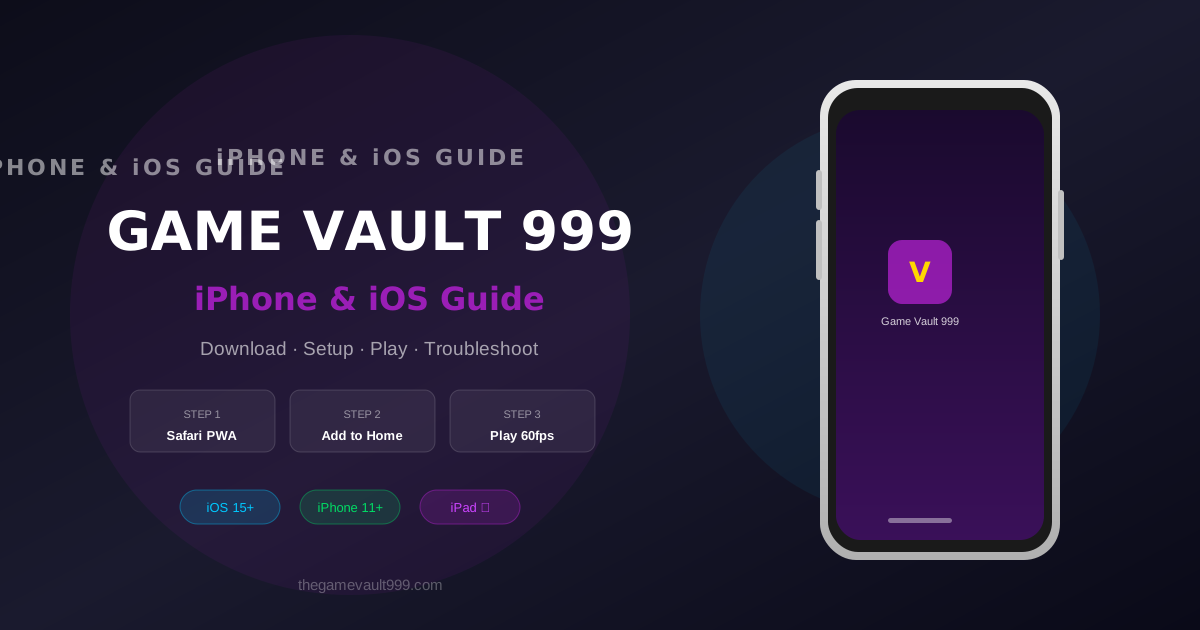
Step-by-step guide to downloading and playing Game Vault 999 on iPhone and iPad in 2026. Includes iOS setup, troubleshooting, and performance tips.
iPhone and iPad players have a slightly different setup process than Android users — Apple's App Store policies mean Game Vault 999 isn't distributed through the App Store directly. This guide walks you through the exact steps to get Game Vault 999 running on any iOS device in 2026, including the latest iPhone 16 series and iOS 18.
Does Game Vault 999 Have an iOS App?
Yes — Game Vault 999 has a dedicated iOS-compatible web app that runs directly in Safari and Chrome on iPhone and iPad. There is also a Progressive Web App (PWA) version that installs to your home screen and behaves like a native app. For most iPhone users, the PWA is the recommended option — it loads fast, supports push notifications, and doesn't require trusting third-party certificates. For new players, check out the Game Vault 999 customer support.
Method 1: Install the PWA (Recommended for iPhone)
- Open Safari on your iPhone (must use Safari — Chrome doesn't support PWA install on iOS)
- Navigate to https://thegamevault999.com
- Tap the Share button (box with arrow pointing up) at the bottom of the screen
- Scroll down and tap 'Add to Home Screen'
- Name it 'Game Vault 999' and tap 'Add'
- The app icon appears on your home screen — tap to launch in full-screen mode
Method 2: Download the iOS App File
For a native app experience on iPhone, contact Game Vault 999 support via Messenger, Telegram, or WhatsApp and request the iOS app download link. The support team will send you a direct link to the signed IPA file along with installation instructions. This method requires enabling 'Trust' for the developer certificate once in iOS Settings. For new players, check out the 100% welcome bonus.
- Contact support and request the iOS app link
- Download the IPA file when the link arrives
- If prompted about an 'Untrusted Developer', go to Settings → General → VPN & Device Management
- Find the Game Vault 999 certificate and tap 'Trust'
- Return to your home screen — the Game Vault 999 app is now fully installed
iOS Device Compatibility
| Device | iOS Version | PWA | Native App | Performance |
|---|---|---|---|---|
| iPhone 16 / 16 Pro | iOS 18+ | ✅ | ✅ | Excellent — 60fps |
| iPhone 15 series | iOS 17+ | ✅ | ✅ | Excellent |
| iPhone 14 series | iOS 16+ | ✅ | ✅ | Very good |
| iPhone 13 series | iOS 15+ | ✅ | ✅ | Very good |
| iPhone 12 series | iOS 15+ | ✅ | ✅ | Good |
| iPhone 11 / XR | iOS 15+ | ✅ | ⚠️ Limited | Adequate |
| iPad (all models) | iOS/iPadOS 15+ | ✅ | ✅ | Excellent — larger screen |
Performance Tips for iPhone Players
Game Vault 999 is optimized for mobile but a few settings make a difference on iPhone. First, enable Low Power Mode only when absolutely necessary — it throttles the GPU and reduces frame rates on fish table games. Second, close background apps before a long session: Settings → double-tap Home or swipe up → swipe away unused apps. Third, use Wi-Fi over cellular when possible; fish tables have more animations and benefit from lower latency.
Troubleshooting Common iOS Issues
| Issue | Cause | Fix |
|---|---|---|
| App won't open after install | Untrusted certificate | Settings → General → VPN & Device Management → Trust certificate |
| Game freezes or crashes | Insufficient RAM | Close background apps, restart iPhone, relaunch |
| Touchscreen not responding in game | Safari zoom conflict | Disable zoom in Accessibility settings or use PWA instead |
| Can't log in | Safari ITP blocking cookies | Settings → Safari → disable 'Prevent Cross-Site Tracking' |
| Push notifications not working | PWA permissions | Settings → Game Vault 999 (PWA) → Notifications → Allow |
| Low graphics quality | Data Saver mode active | Settings → Cellular → disable Low Data Mode |
iPhone vs Android: Which Plays Better?
Both platforms perform excellently on flagship devices. iPhone has a slight edge on consistent frame rates due to Apple's hardware-software optimization — iOS 18 on iPhone 15 Pro delivers a near-perfect 60fps experience on Dragon Vault and Ocean King 4. Android on mid-range devices (e.g. Samsung A-series) may show occasional frame drops on heavy fish table games. If you have both devices available, iPhone is the slightly smoother experience.
Is Game Vault 999 available on the App Store?
Not currently. Apple restricts real-money gambling apps in the US App Store. Use the PWA (Add to Home Screen via Safari) or contact support for the direct iOS app link.
Does the Game Vault 999 iOS app require a download?
The PWA version requires no download — it installs directly from Safari. The native app version requires downloading an IPA file sent by support.
What iOS version do I need?
iOS 15 or later is recommended. The PWA works on iOS 14 but some features may be limited. iOS 18 provides the best experience.
Can I play on iPad?
Yes. Game Vault 999 is fully optimized for iPad, including the larger screen layout. Use the same PWA method in Safari on iPadOS.
Is it safe to trust the developer certificate?
Yes — the Game Vault 999 iOS app is signed with a legitimate enterprise certificate. Trusting it in iOS Settings is standard practice for enterprise-distributed apps. Only trust certificates from official Game Vault 999 sources.
Ready to play Game Vault 999?
Claim your 100% welcome bonus and experience 5-minute payouts.
Get Started Free